

Smart+ Remote
Smart+ Remote
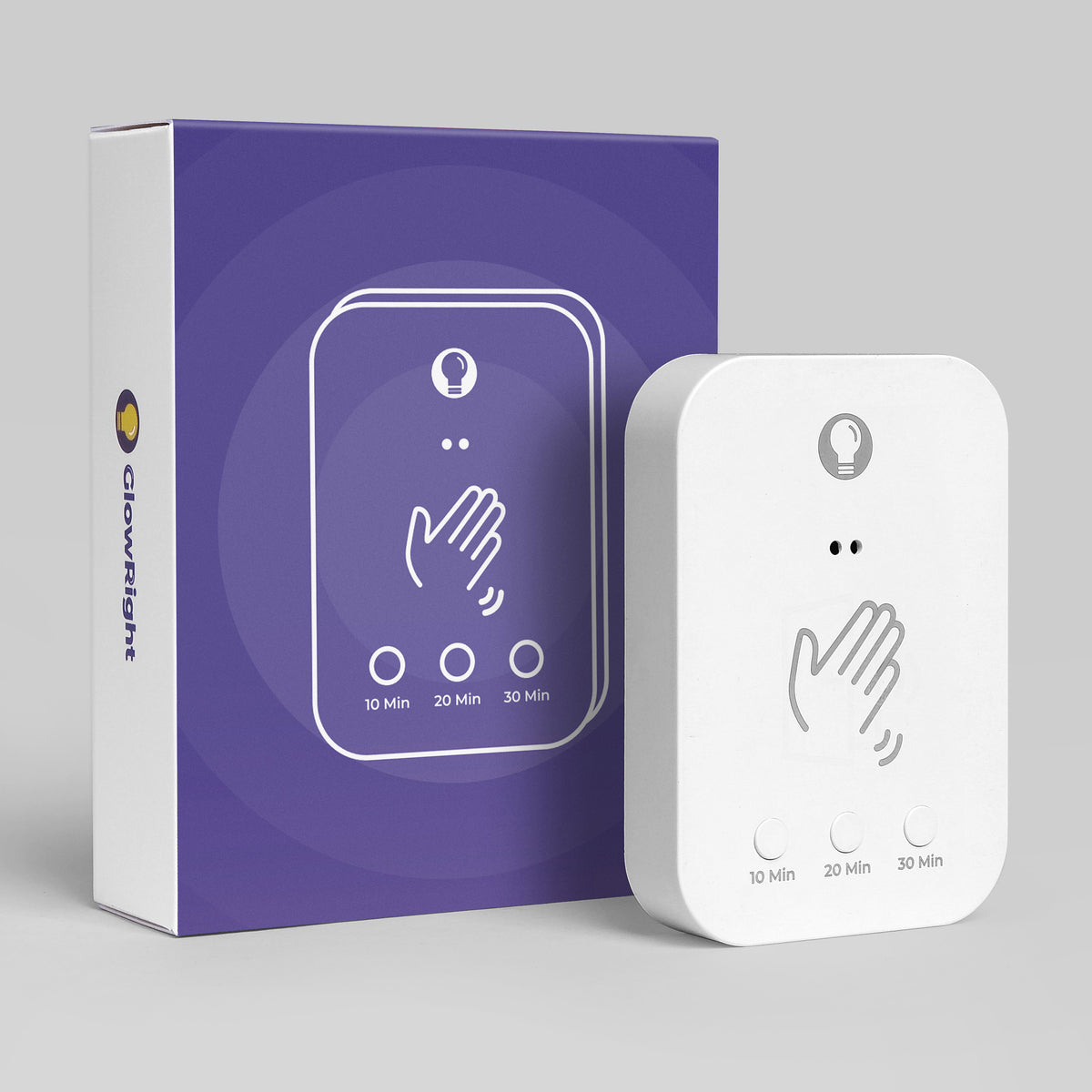
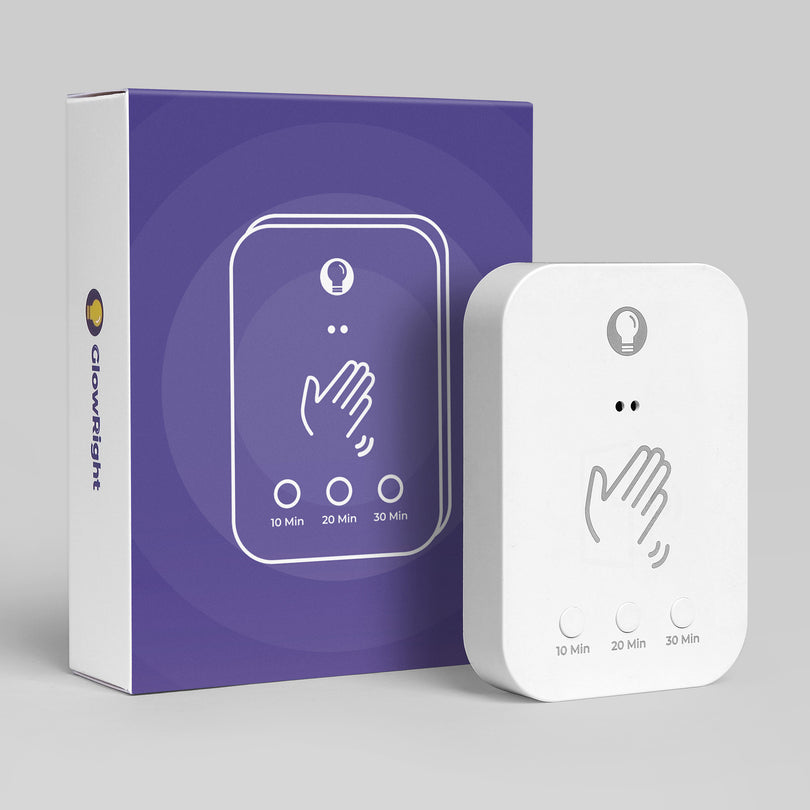
Full control of your Smart+ Aura Beam from anywhere in the room — including FlowColor™ themes, which no sensor can switch.
⚠️
Not compatible with Halo Lux, Everywhere Light, or Pro COB Lightstrip.
On/off, brightness & color temp
Switches FlowColor™ themes — sensors can't
One remote, all your Aura Beams
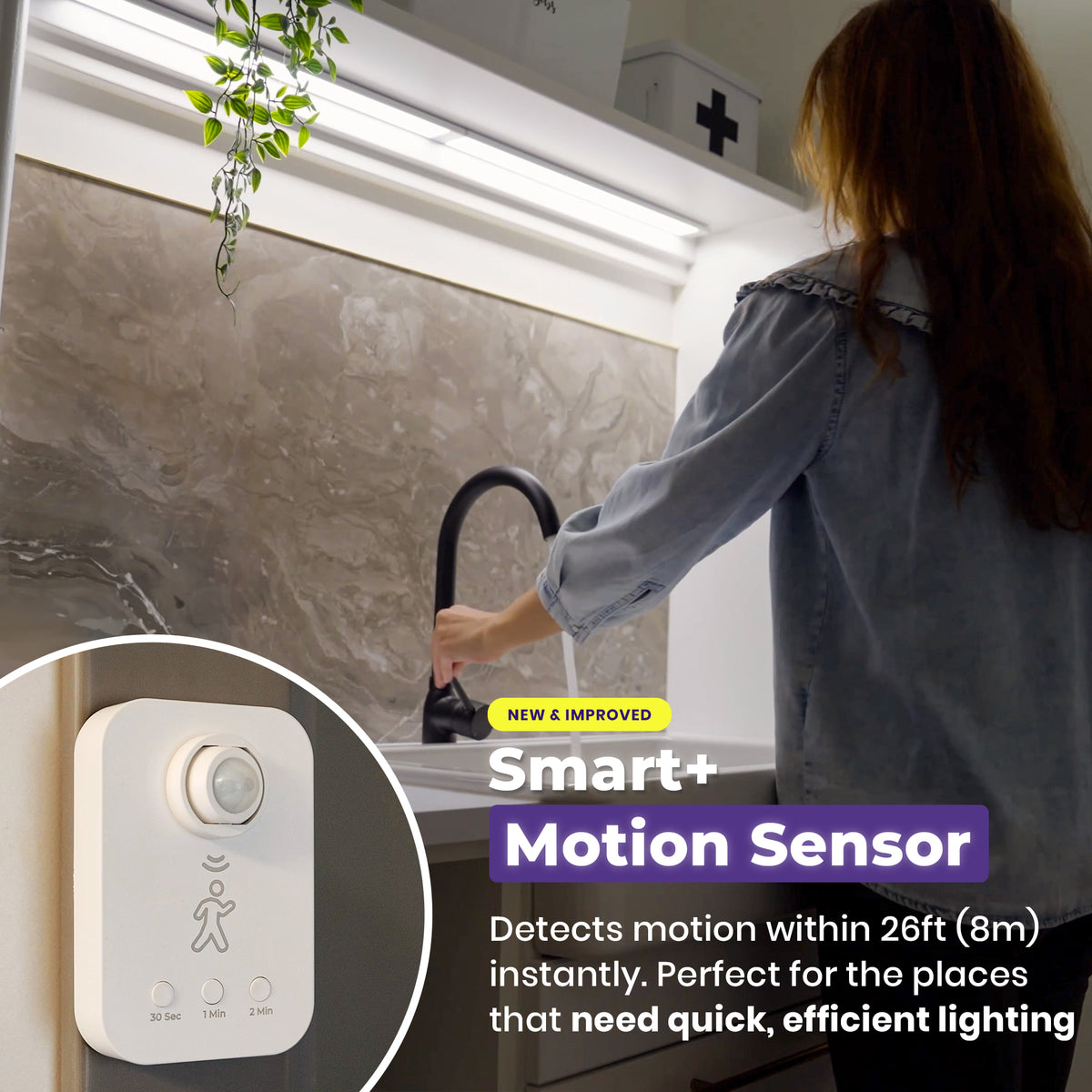
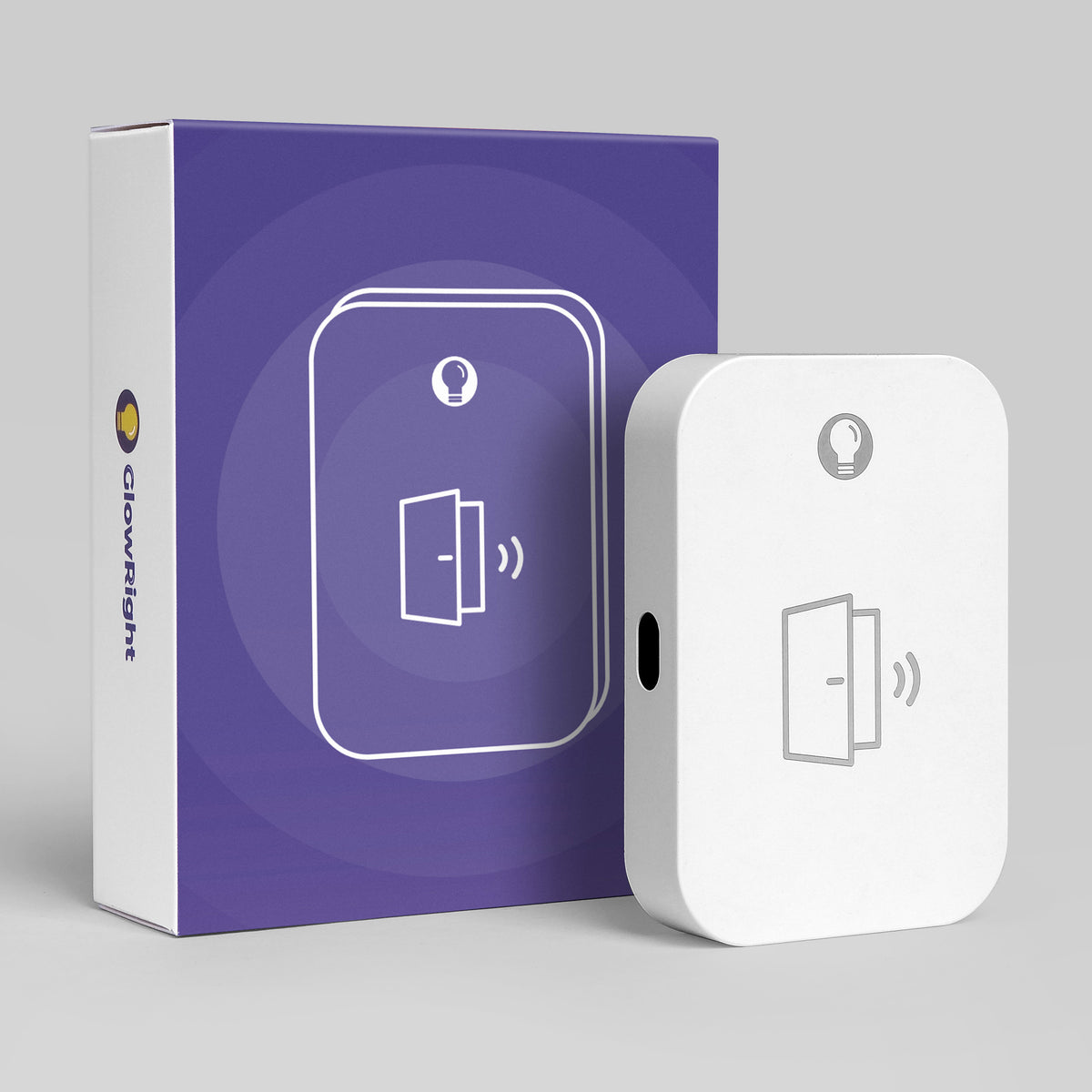
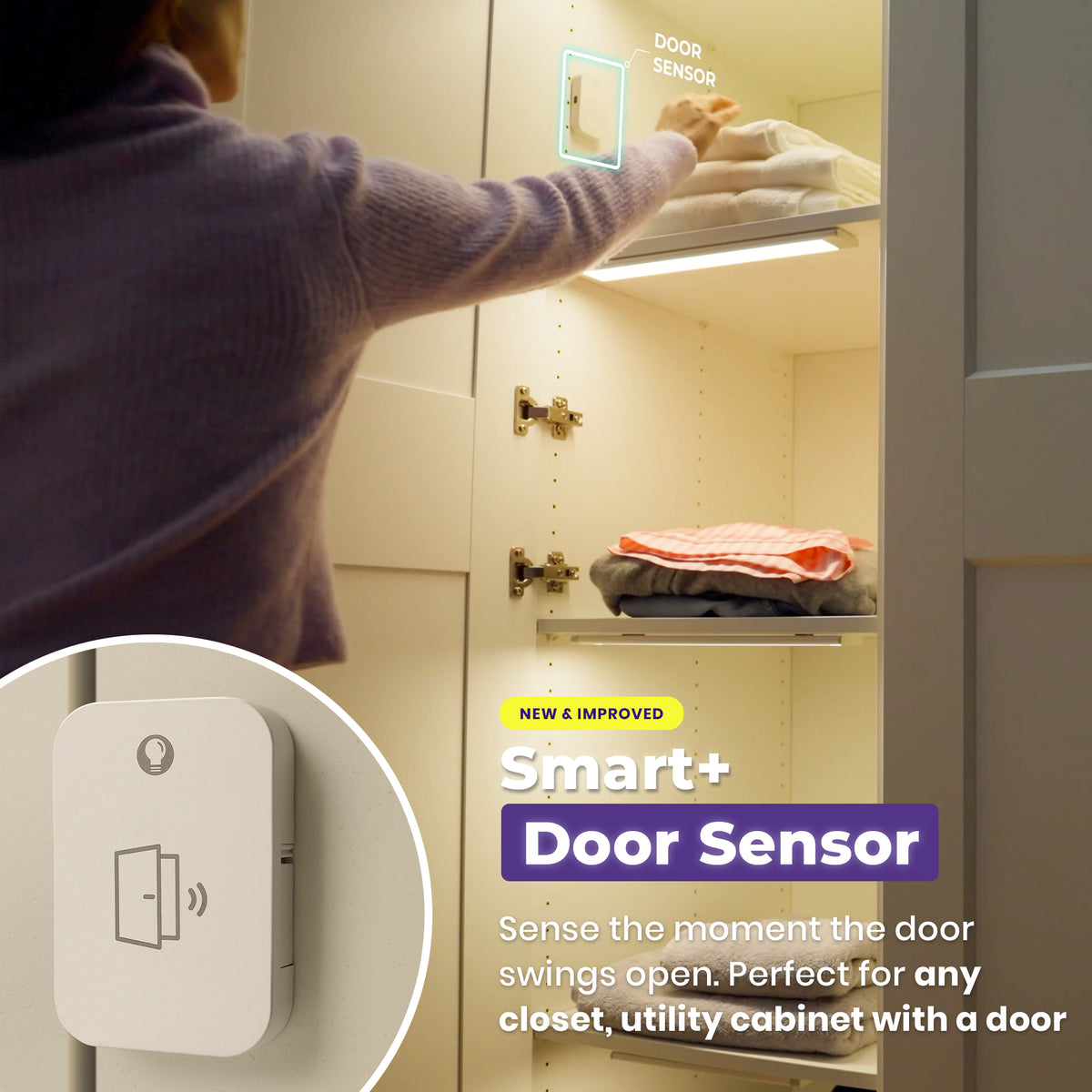
Pairs alongside sensors — no conflict
No app, no WiFi
💡 Buying 2 or more Aura Beams? The Smart+ Remote is included free with your order — no need to buy it separately.
Quantity:
Free Shipping
30-Day Money Back
Afterpay Available
How It Works with Aura Beam
Pair once — then every key just works. Here's each one in action.
Step 1 · Pair
Pair the Remote
1On the light, press & hold the “” for 3 seconds — the light flashes.
2Within 10 seconds, press & hold the remote’s “”.
Light goes steady, then fades off — paired.
💡 One remote can control multiple lights — repeat pairing for each light.
↩️ Unpair: on the light, press & hold the “” for 7 seconds. Light brightens, then fades off.
Color Temperature
Warm to Daylight
Tap to switch: Warm (2700K) → Natural (4000K) → Daylight (6500K).
Then press & hold ‹·· / ··› to smoothly shift between warm and cool.
Brightness
Brighten or Dim
Press & hold Brightness + or − to adjust. Release to keep.
Color Theme
Five Themes, One Tap
Tap to switch: Aurora → Sunset → Forest → Ocean → Carnival.
Then tap ‹·· / ··› to step back and forth through themes.
Lighting Modes
Switch the Effect
Tap to switch: Breathing → Music Sync → Steady.
💡 Works with both white light and color theme.