


Option A
Cut for Shorter
To shorten your lightstrip, locate the labeled cuttable positions spaced every 1.2" (3 cm). Using scissors, carefully cut along one of these marked lines.
Only cut on the marked lines.

Cart
Your cart is empty
Setup, Pairing & Sensor Tips
Cut for shorter. Extend for longer. Keep it clean and even.
To shorten your lightstrip, locate the labeled cuttable positions spaced every 1.2" (3 cm). Using scissors, carefully cut along one of these marked lines.

To extend your lightstrip, simply connect the head of the extension (sold separately) to the end of your existing lightstrip. It’s quick and effortless.
Follow these 4 steps. Clean setup, solid hold.
Pick the option that matches your wall surface.

Measure the strip and mark where you’ll place the clips. Space clips evenly — about 9.8" (25 cm) apart.

Choose your install method below — then snap the strip in.
Connect the strip to the controller, then plug the controller into power. Once it’s on, you’re ready to set your scene.


Press to turn your light on or off.
Touch and hold the button, then release when it reaches your desired warmth or coolness.
Touch and hold the button, then release when it reaches your preferred brightness level.
Touch once to switch between:
Always-On → Breathing Light* → Music Syncing
*A soft, gradual pulsing effect, ideal for creating a decorative and calming ambiance.
Follow these two quick steps.
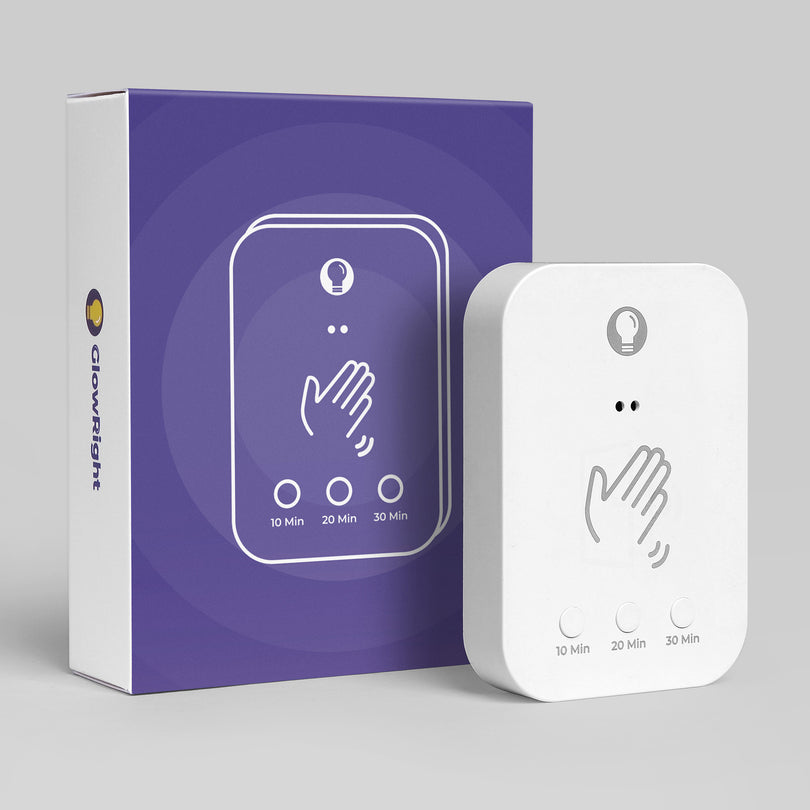
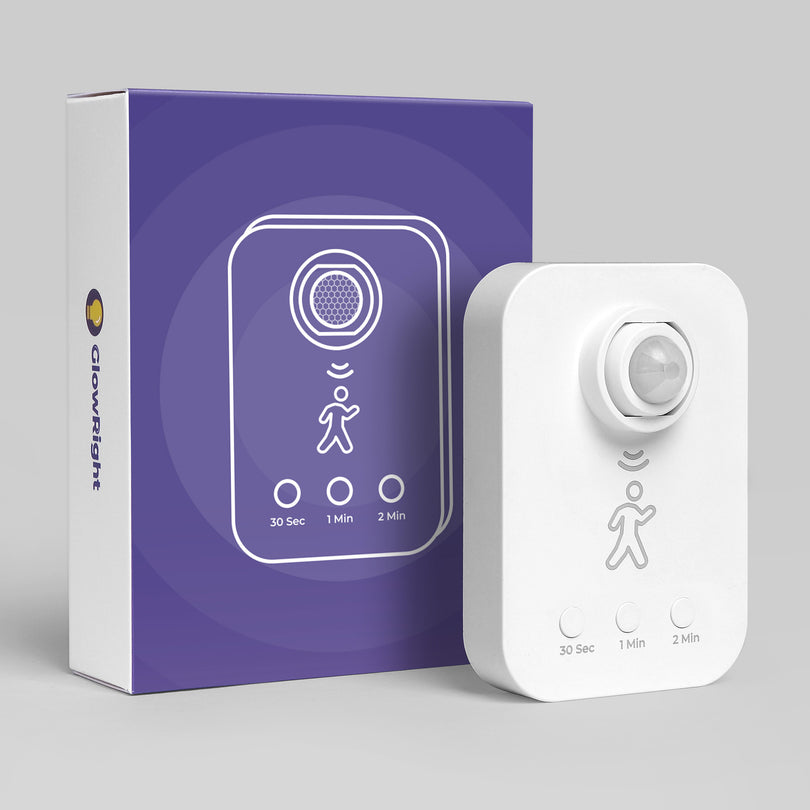
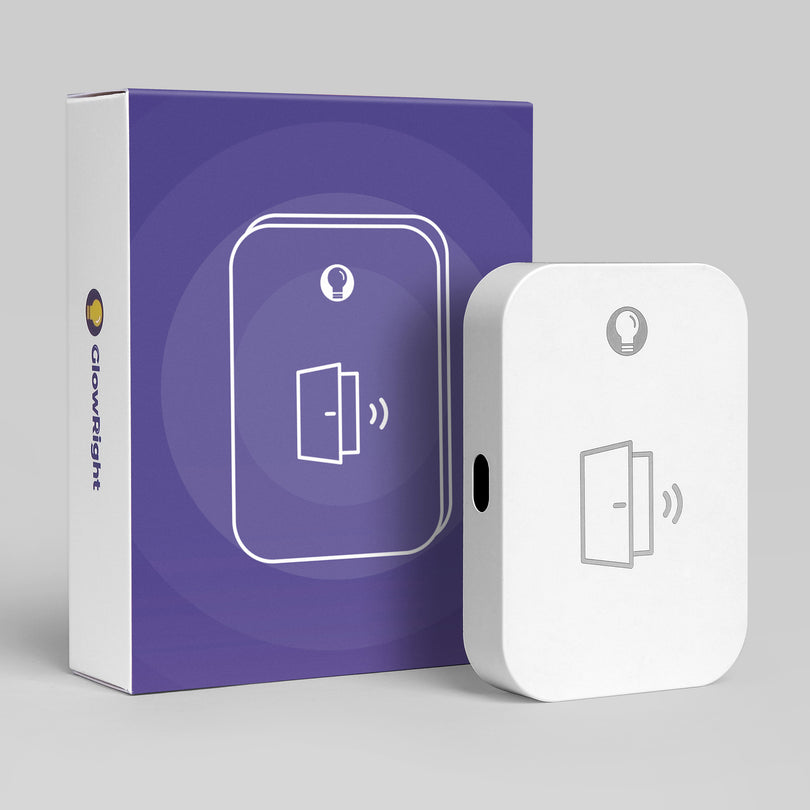
Pick your sensor below. Set the mode, then enjoy hands-free control.

Sets how long Lightstrip stays on after motion is detected.

Sets a one-time countdown for the light to turn off after you turn it on.

Sets how long Lightstrip stays on after motion is detected.
Sets a one-time countdown for the light to turn off after you turn it on.
Two indicators, one cable. Here’s what each light means.


When the battery is low, the front button indicator will blink orange.
The charging indicator is the small light next to the USB-C port.


